

Virtualbox is a good software to test and exam almost any oprating system and even bulid a small network.
Here im gonna teach you how to dowanload and install it, before we continue we need to see the hardware requirments so we dont run into any isusses during installing or running the software later.
this is a link where you can find all the info about running the sftware on your PC.
https://www.virtualbox.org/wiki/End-user_documentation
but ill samurize it for you since we gonna install it on windows PC
– Ram: at least 2 GB
thats all? no but almost all modren computers or laptops have good specefcations, depending on what we gonna install we kinda gonna the same requirments as the oprating system to run smoothly.
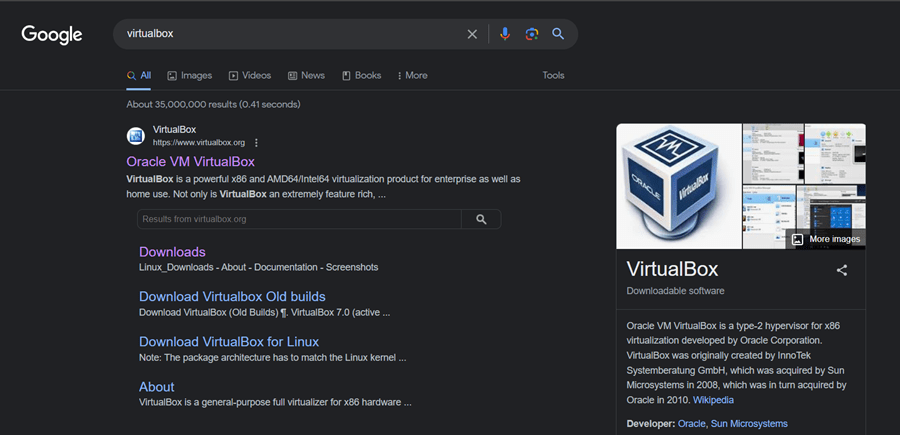
1st step: Search for VirtualBox on google and Click on Downloads.
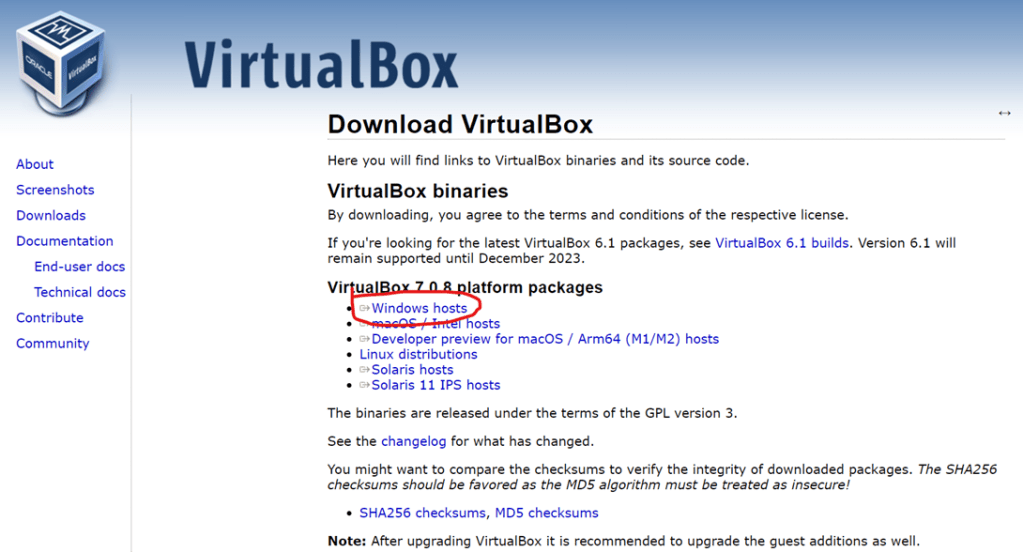
2st step: Click and download Windows Hosts as shown below
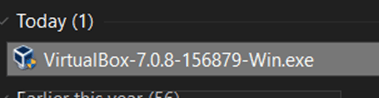
3rd step: Run the downloaded file as administrator
4th step: Click on next
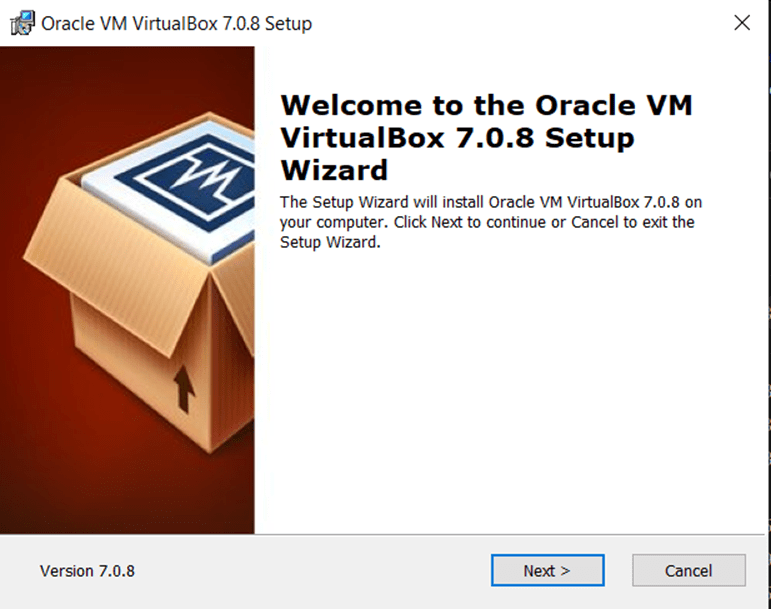
5th step: Click on next
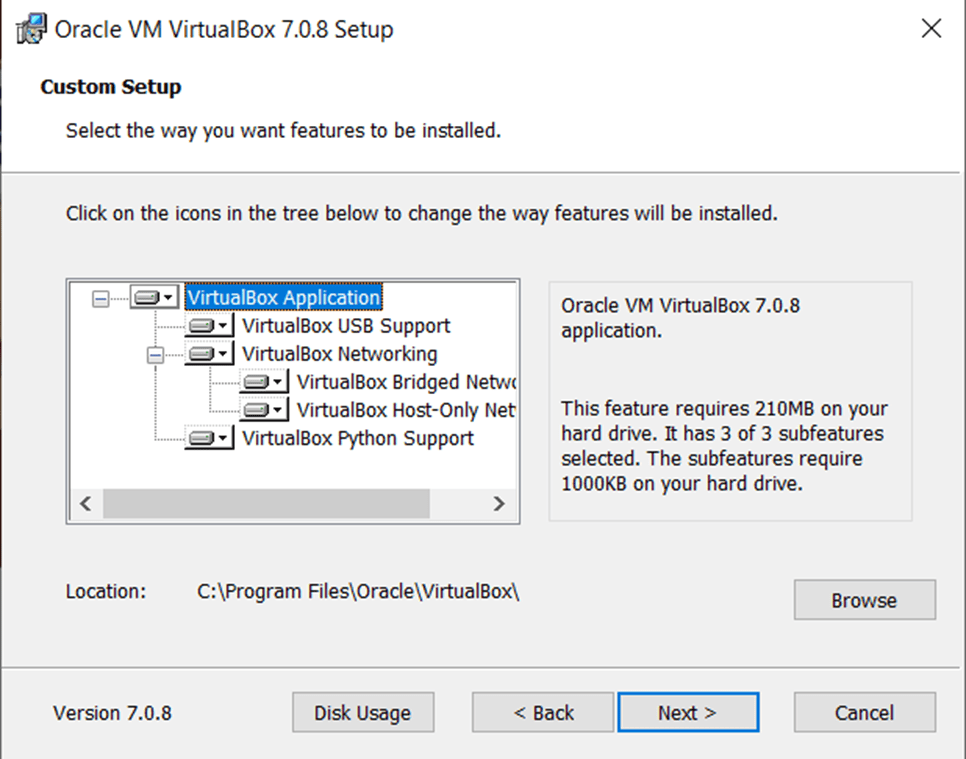
6th step: Click on yes
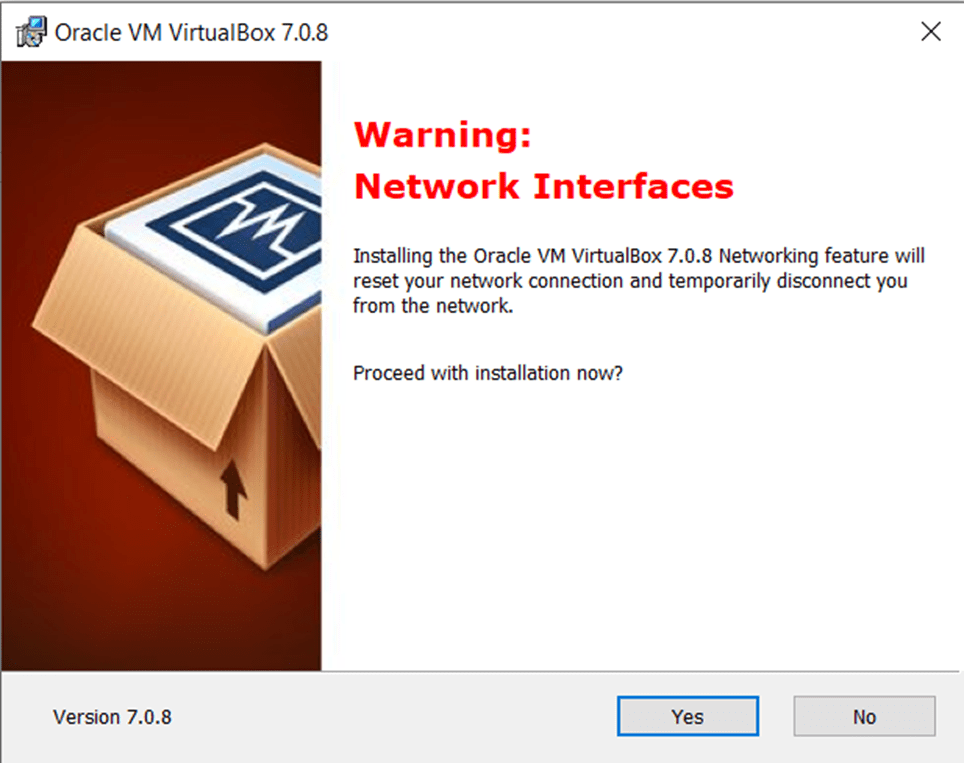
7th step: Click on yes
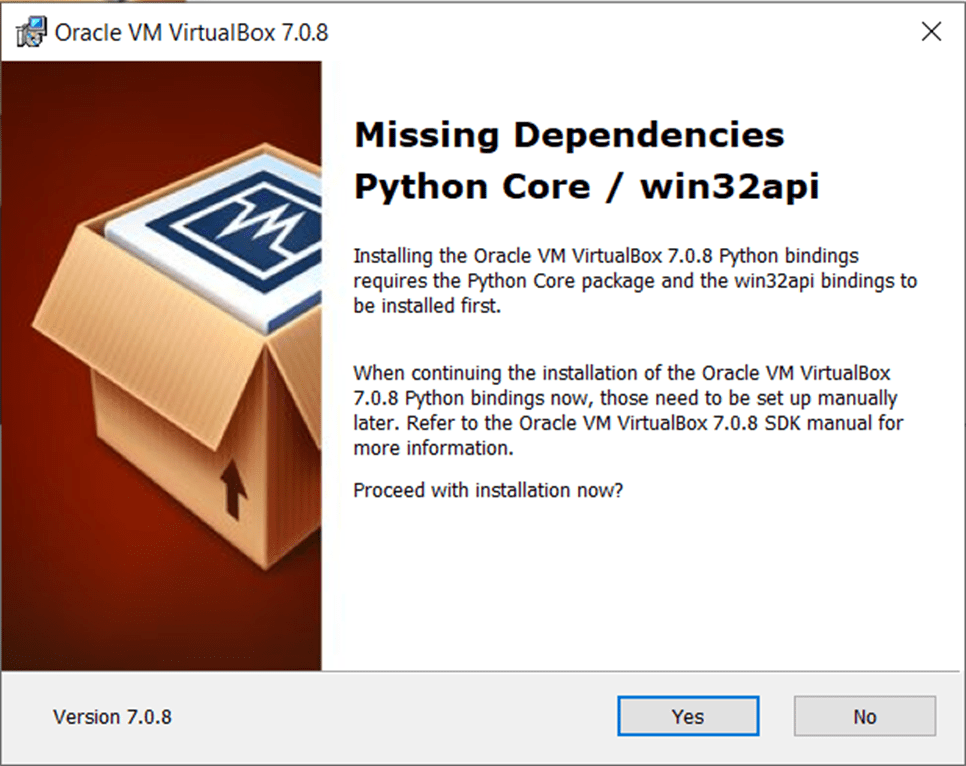
8th step: Click on install and wait for the installation to finish
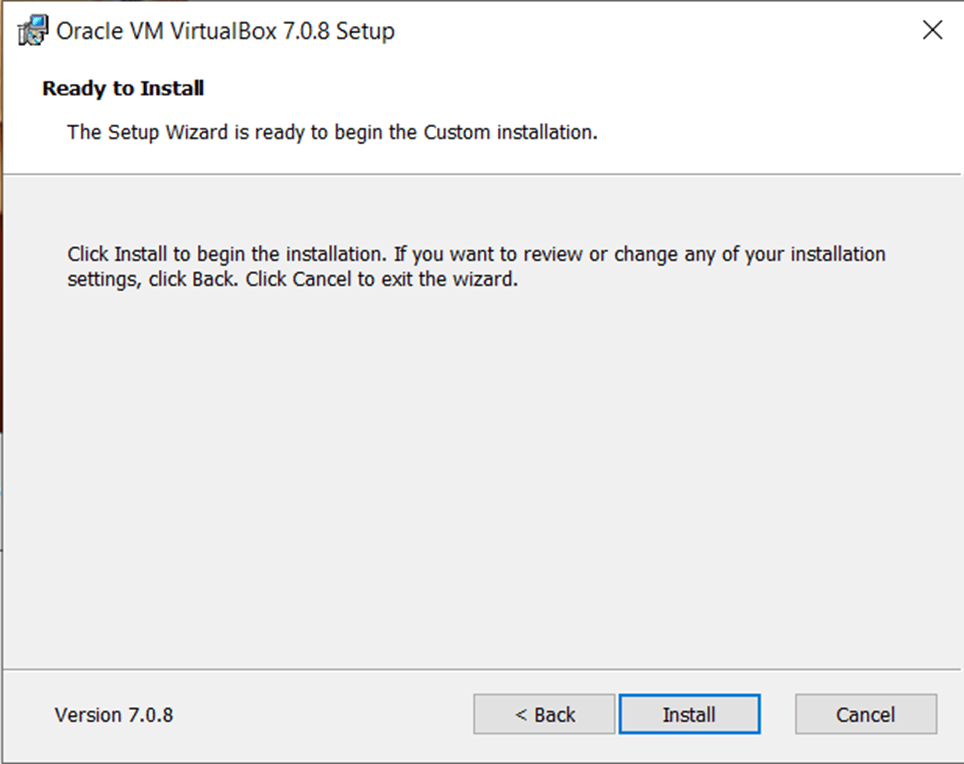
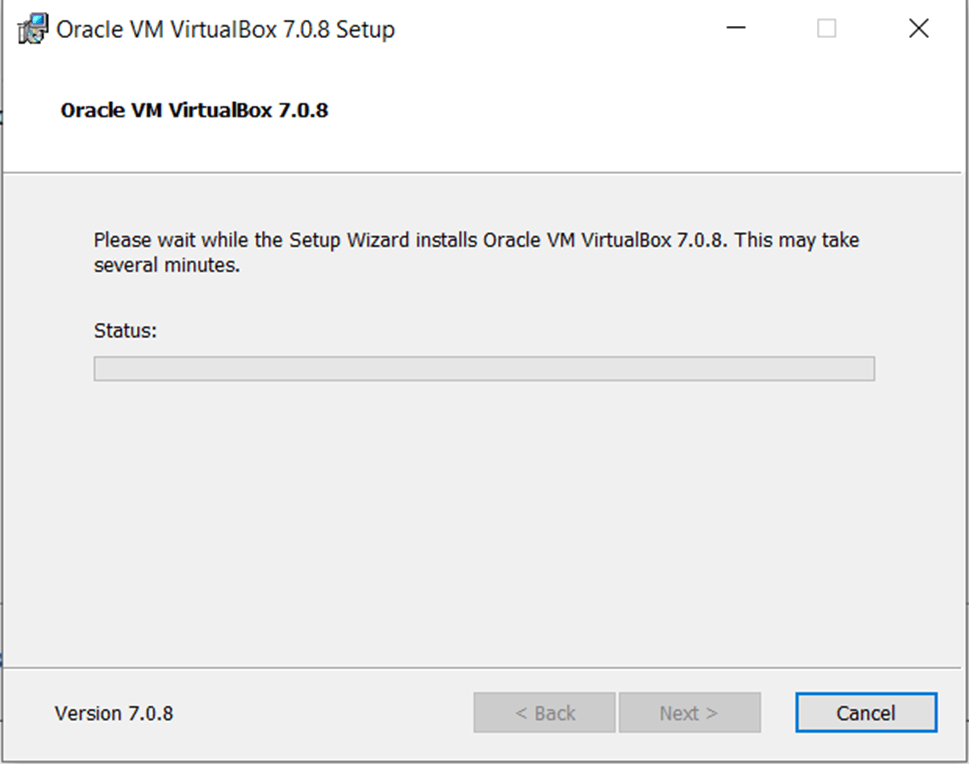
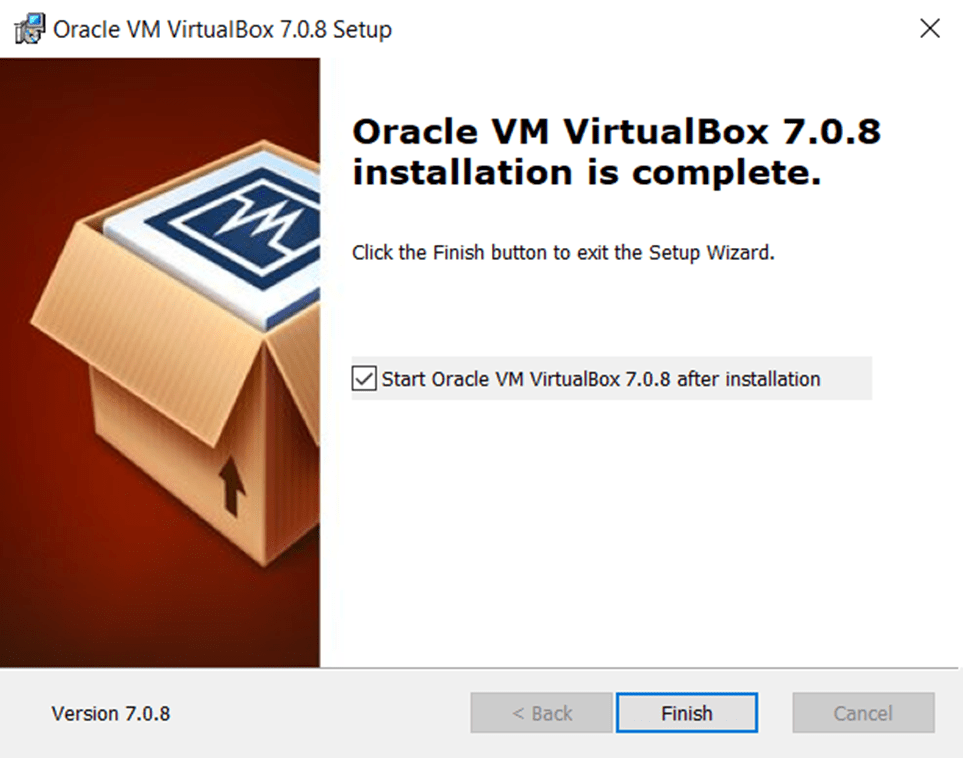
9th step: Click on Finish.
and this is the final look
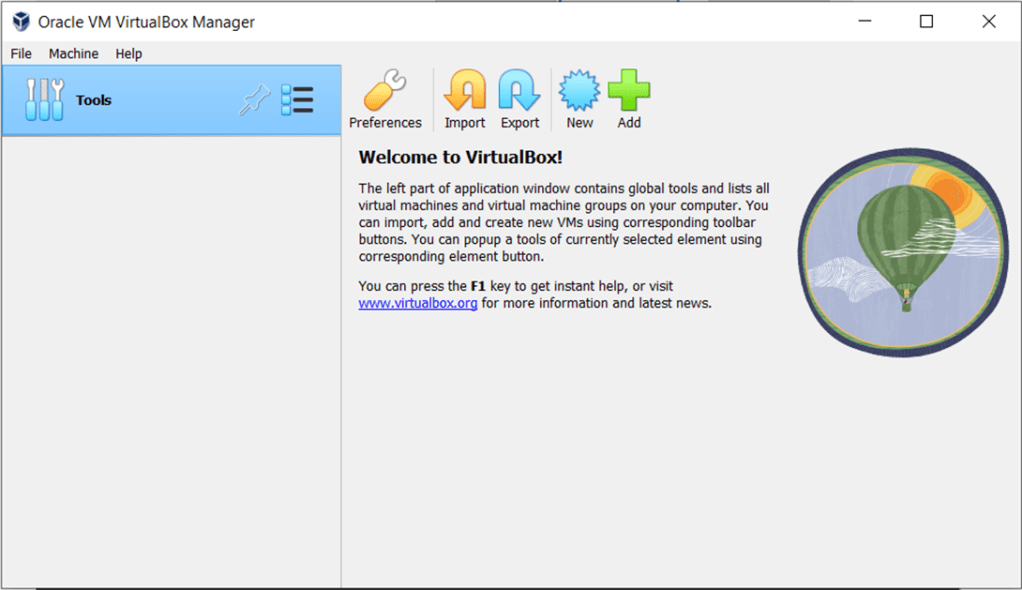
now we have a virtual machin or pc to run oprating systems on it.
in case you run on any isusses during installing the softawre please contact me to help you solve it.
Thank you.
 M7md Techs